
How to Fix WordPress Security Vulnerabilities? (2026 Technical & SEO Guide)
WordPress is the most widely used content management system in the world. However, its popularity also makes it a prime target for attackers. Securing your WordPress site is critical not only for protection but also for maintaining your SEO performance.
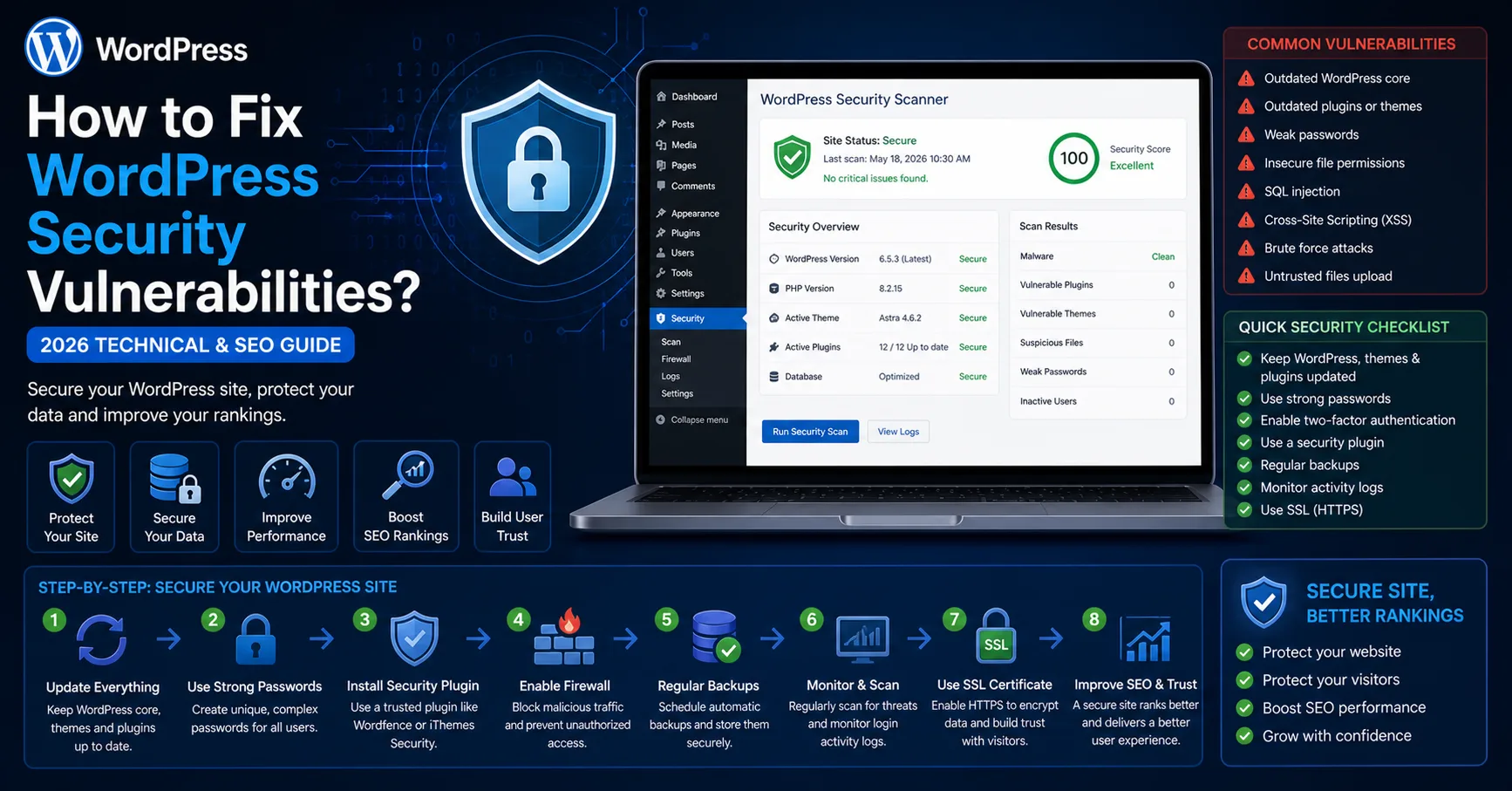
WordPress is the most widely used content management system in the world. However, its popularity also makes it a prime target for attackers. Securing your WordPress site is critical not only for protection but also for maintaining your SEO performance.
In this comprehensive guide, you will learn how to detect and fix WordPress security vulnerabilities using professional techniques.
What Is a WordPress Security Vulnerability?
A vulnerability is a weakness in your system that allows unauthorized access or malicious actions.
Common types include:
SQL Injection
Cross-Site Scripting (XSS)
CSRF attacks
File upload exploits
Backdoor injections
How Security Issues Impact SEO
When a site is compromised:
Google may blacklist your site
Rankings drop significantlyMalicious content may be injected
Traffic decreases drastically
How to Detect WordPress Security Vulnerabilities
1. Run a Security Scan
Use tools such as:
Wordfence
Sucuri
iThemes Security
These tools help:
Detect malware
Identify suspicious activity
2. Analyze Logs
Check:
/wp-content/debug.logServer access logs
Look for unusual requests and errors.
3. Scan for Suspicious Files
Watch for:
base64 encoded code
eval() usage
Unknown PHP files
4. Review User Accounts
Unknown admin users
Suspicious login attempts
How to Fix WordPress Security Vulnerabilities
1. Keep Everything Updated
WordPress core
Plugins
Themes
2. Use Strong Passwords & 2FA
Strong admin credentials
Enable two-factor authentication
3. Secure wp-config.php
define('DISALLOW_FILE_EDIT', true);4. Harden .htaccess
order allow,deny
deny from all
5. Set Proper File Permissions
Files: 644
Directories: 755
6. Disable Unused Features
XML-RPC (if not needed)
Restrict REST API endpoints
7. Use a Web Application Firewall (WAF)
Cloudflare
Wordfence Firewall
8. Protect Login Page
Limit login attempts
Use CAPTCHA
9. Remove Malware
Clean infected files
Remove backdoors
10. Regular Backups
Daily backups
Automated backup system
Advanced Security Techniques
File Integrity Monitoring
Track changes in core files.
Rate Limiting
Prevent brute-force attacks.
Security Logging
Log all activities for auditing.
Common Security Mistakes
Using nulled plugins/themes
Not updating software
Weak passwords
No backups
Professional Security Strategy
Use minimal plugins
Disable unnecessary services
Test in staging environment
Continuous monitoring
Conclusion
WordPress security is not a one-time setup but an ongoing process.
With proper configuration:
Your site stays protected
SEO performance remains stable
User trust increases
FAQ
Is WordPress secure?
Yes, when properly configured.
What is the most important step?
Keeping everything updated.
Do I need a security plugin?
Yes, it is highly recommended.
With this guide, you can secure your WordPress site at a professional level.