
How to Set Up WordPress SEO Settings (2026 Complete Guide)
Setting up WordPress SEO correctly is one of the most critical steps to rank higher on Google, increase organic traffic, and build a sustainable online presence. In this complete 2026 guide, we will cover every technical and on-page SEO setting you need.
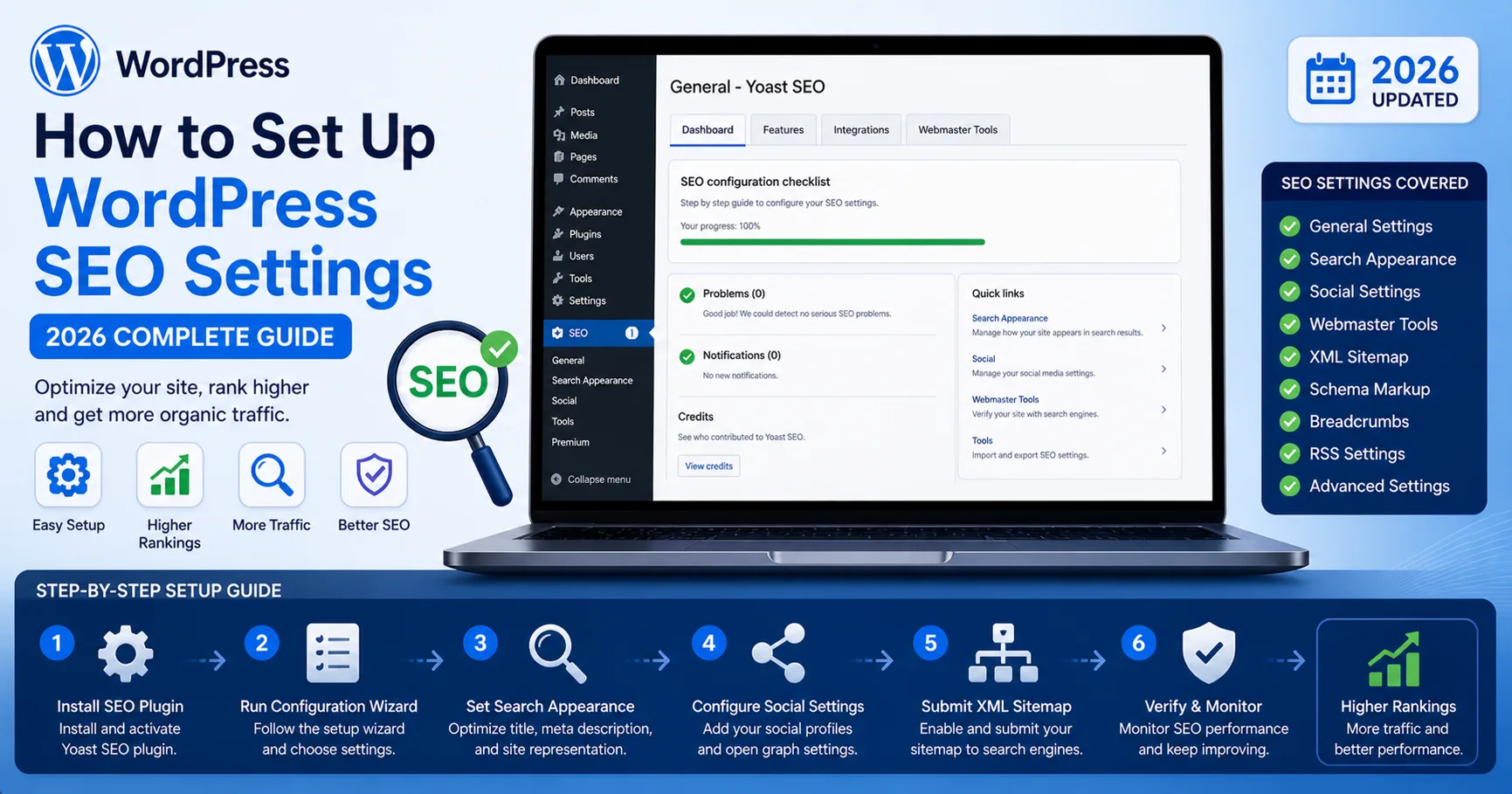
Setting up WordPress SEO correctly is one of the most critical steps to rank higher on Google, increase organic traffic, and build a sustainable online presence. In this complete 2026 guide, we will cover every technical and on-page SEO setting you need.
Why WordPress SEO Settings Matter
Without proper SEO configuration:
Your pages may not get indexed
You lose organic traffic
Competitors outrank you easily
With correct SEO setup:
Higher rankings
Better crawlability
Improved Core Web Vitals
1. Choose the Right SEO Plugin
The foundation of WordPress SEO starts with a powerful plugin.
Recommended Plugins
Rank Math SEO
Yoast SEO
All in One SEO
Best Practice
Use only ONE SEO plugin to avoid conflicts.
2. Configure Basic SEO Settings
Site Title & Tagline
Go to:
Settings → General
Site Title: Include main keyword
Tagline: Short description with keyword
3. Permalink Structure (Very Important)
Go to:
Settings → Permalinks
Use:
/%postname%/
Avoid:
?p=123
Date-based URLs
4. Enable XML Sitemap
XML sitemap helps search engines crawl your site efficiently.
URL Example
/sitemap_index.xml
Make sure:
Posts are included
Pages are included
Noindex pages are excluded
5. Optimize Robots.txt
Example:
User-agent: * Disallow: /wp-admin/ Allow: /wp-admin/admin-ajax.php Sitemap: https://yourdomain.com/sitemap_index.xml
6. Set Up Google Search Console
Verify your domain
Submit sitemap
Monitor indexing errors
7. Optimize Meta Tags
Each page should have:
Unique Title
Meta Description
Example
Title:
How to Set Up WordPress SEO Settings (2026 Guide)
Description:
Learn how to configure WordPress SEO settings step-by-step for better rankings and traffic.
8. Keyword Optimization
Each page should target:
1 primary keyword
2–5 secondary keywords
Use keywords in:
Title
URL
Headings (H1, H2)
First 100 words
9. Internal Linking Strategy
Link related content:
Improves SEO
Reduces bounce rate
Helps crawl depth
10. Image SEO Optimization
Use ALT tags
Compress images
Convert to WebP
11. Mobile Optimization
Google uses mobile-first indexing.
Checklist:
Responsive design
Fast loading
No layout shifts
12. Page Speed Optimization
Use tools:
Google PageSpeed Insights
GTmetrix
Optimize:
Caching
Minification
CDN usage
13. Schema Markup (Structured Data)
Add schema to improve CTR:
Article
FAQ
Breadcrumb
14. Fix Technical SEO Errors
Common issues:
404 pages
Redirect chains
Duplicate content
15. Content SEO Strategy
Write SEO-friendly content:
Long-form articles (1000+ words)
Clear headings
Keyword distribution
16. Security & SEO
Secure sites rank better.
SSL (HTTPS)
Firewall
Malware protection
17. AI-Powered SEO Optimization
Modern SEO requires automation and AI tools.
Use AI tools to:
Optimize content
Analyze keywords
Improve rankings
Conclusion
WordPress SEO settings are not just a one-time setup. They require continuous monitoring and optimization.If you implement all steps in this guide, your site will be:
Technically optimized
Search engine friendly
Ready for high rankings
FAQ
How long does SEO take?
Usually 3–6 months.
Is WordPress good for SEO?
Yes, with proper configuration.
Do plugins guarantee ranking?
No, content and strategy matter most.
This guide provides a complete roadmap for mastering WordPress